
W25 Conveyor Wear Strip
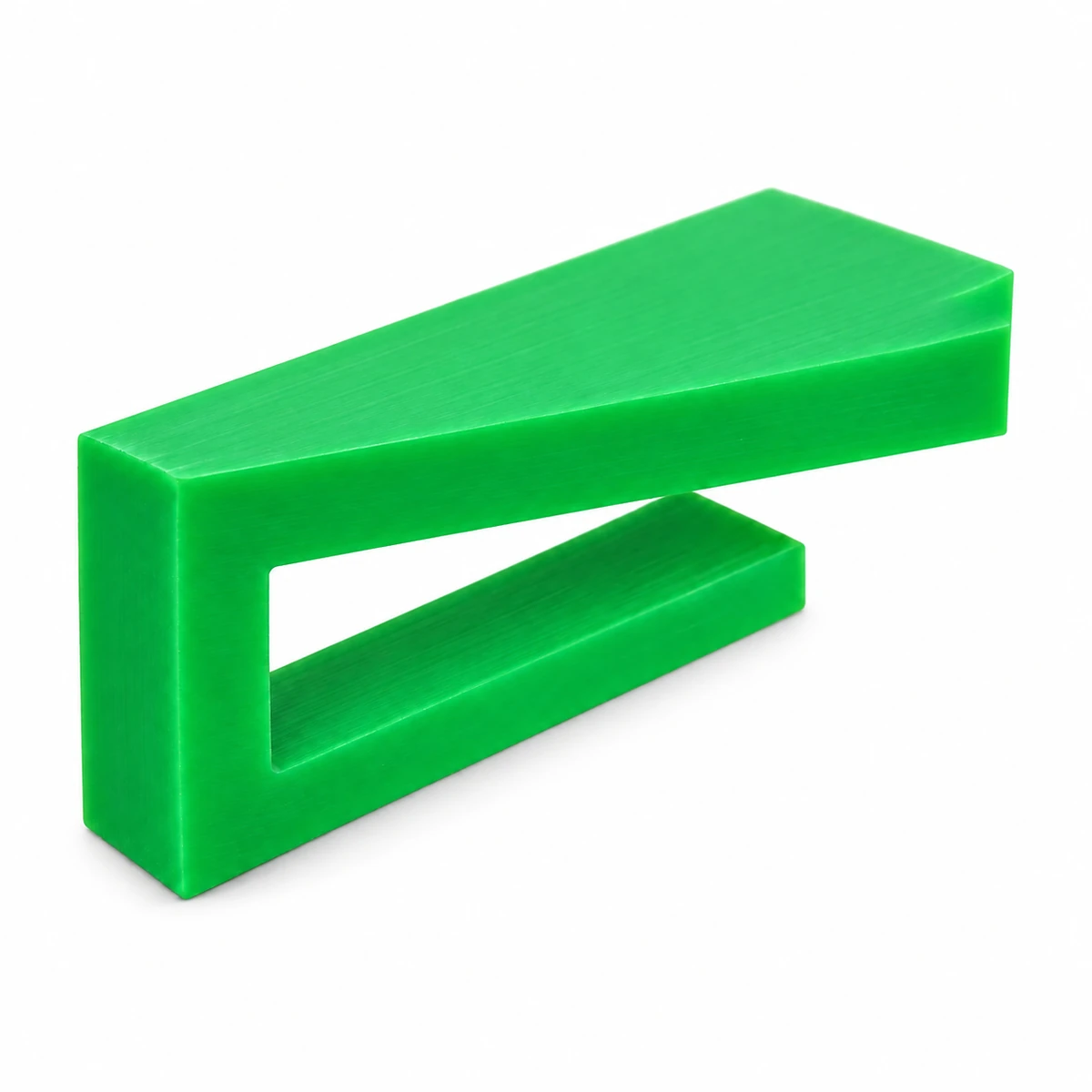
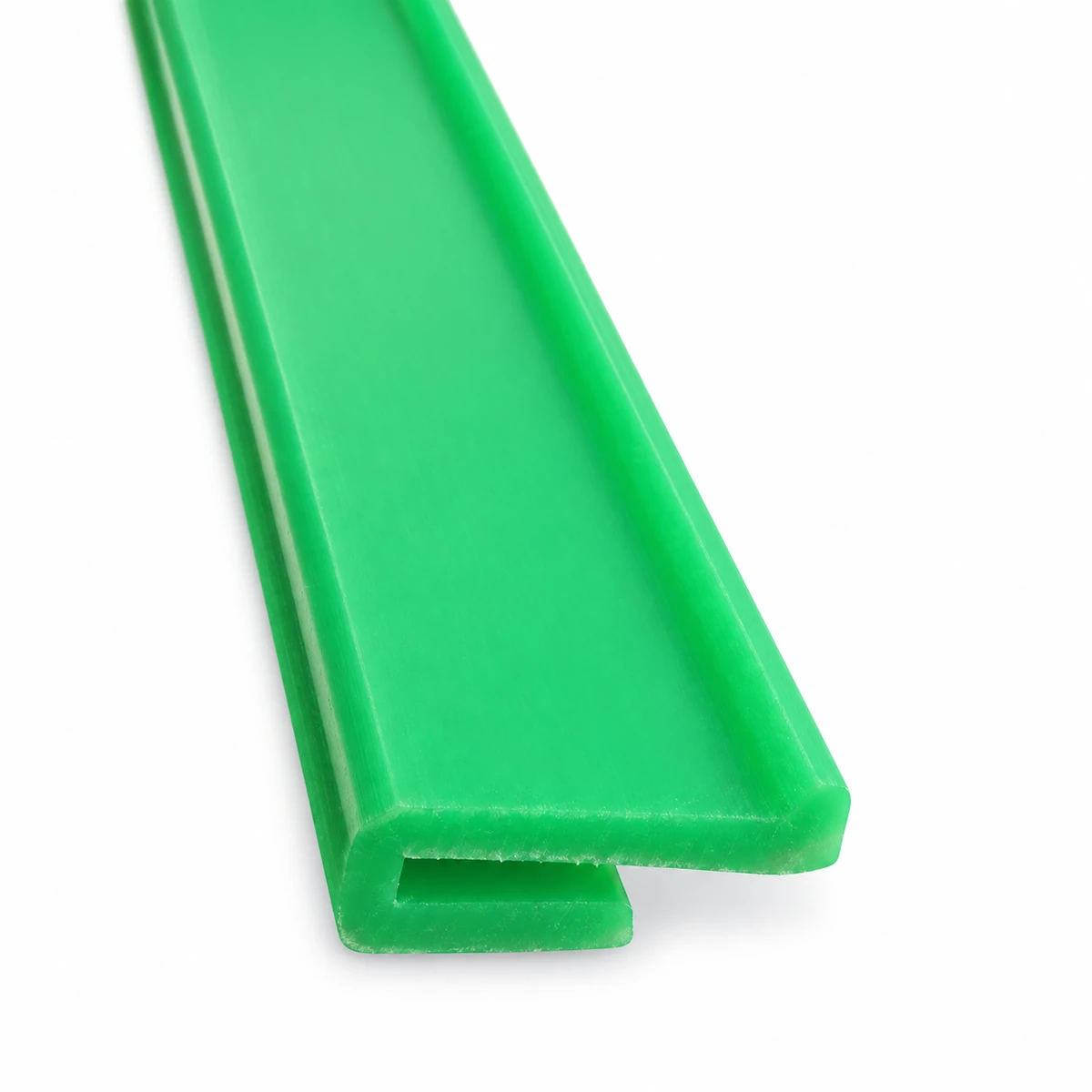
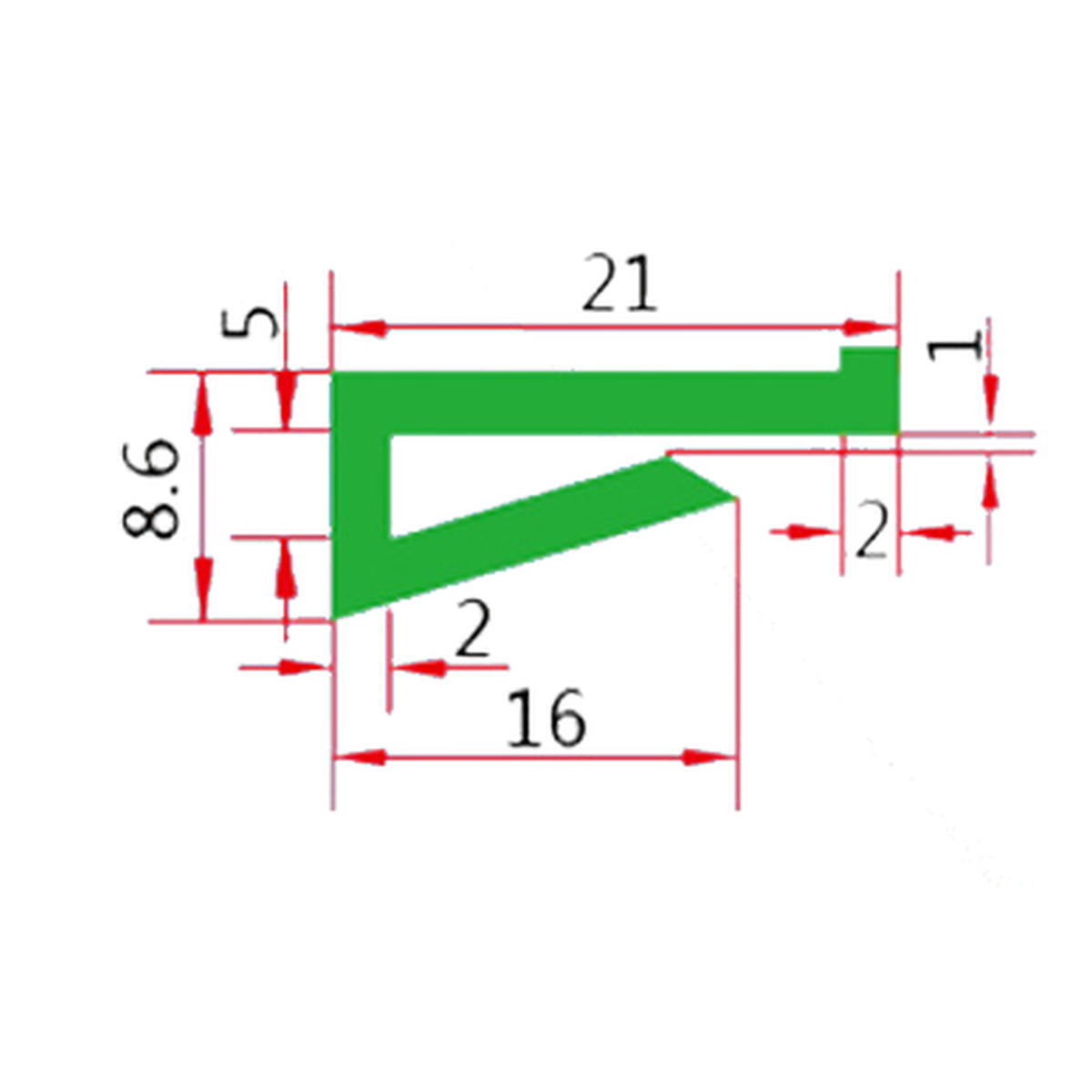
The W25 wear-strip section has a flat upper face and an angled lower lip extending from one side. Its open retaining section needs to match the conveyor support beneath the contact face.
- Model
- W25
- Contact Face
- Flat
- Section Feature
- Angled lower return
Check the Lower Lip's Seating Space
Compare the support thickness and available clearance inside the profile before selecting the strip.
Seat the Flat Face Above the Retaining Section
W25 uses different upper and lower shapes. The top provides a flat contact face, while the diagonal return occupies space beneath it. The small edge features also belong to the section and should be included in a replacement comparison.
Matching only the visible top width can miss the fit beneath the strip. Compare an unworn end section and identify how the supporting edge enters the opening. Confirm the installation route as well as the final seated position.
Specifications
| Parameter | Specification |
|---|---|
| Model | Specification: W25 |
| Upper section | Specification: Flat contact face |
| Lower section | Specification: Angled return lip |
Compare the Opening at the End of the Strip
Show the mating support and the profile in section. Check the gap to the angled lip, the side-leg height and the contact-face position. Mark any fasteners or joints that occupy space inside the profile.
Required length should follow the installed route. Where several lengths meet, check that the lower sections seat consistently and the running faces do not form a step.
Profiled Support Along a Conveyor Edge
W25 can be considered where the support requires its flat-face and angled-return arrangement. The open lower section makes support thickness and installation access relevant alongside the running-face position.
At maintenance joints, inspect the retained section as well as the worn upper face. Poor seating can change contact height and leave a raised end in the chain path.
Specify the W25 Support Section
Send the strip and support cross-sections, installation lengths and quantity. A close photograph of an unworn end will help CSTRANS compare the lower return and edge details.